


WordPress is often treated as a traditional CMS, but its REST API makes it possible to use WordPress as the backend for applications, dashboards, mobile clients, automation systems, and external services. The difficult part isn't registering an endpoint. The difficult part is designing the endpoint so that authentication, authorization, validation, error handling, and data access are all handled correctly. A production API needs a contract. It needs to know: Who can access it What data they can access What input is accepted What output is returned What happens when something fails Here's a practical approach. Register a Custom Route A basic WordPress REST API route can be registered with register_rest_route() . add_action ( 'rest_api_init' , function () { register_rest_route ( 'myplugin/v1' , '/posts' , [ 'methods' => WP_REST_Server :: READABLE , 'callback' => 'myplugin_get_posts' , ]); }); This creates an endpoint similar to: /wp-json/myplugin/v1/posts The namespace matters. Using: myplugin/v1 gives the API a version boundary. If the response structure changes later, a new version can be introduced without immediately breaking existing clients. Don't Put Authorization Inside the Callback A common beginner implementation does everything inside the callback: function myplugin_get_posts () { if ( ! current_user_can ( 'manage_options' )) { return new WP_Error ( 'forbidden' , 'Access denied' , [ 'status' => 403 ] ); } // Query data... } This works, but WordPress provides a cleaner place for the permission decision. Use permission_callback . register_rest_route ( 'myplugin/v1' , '/posts' , [ 'methods' => WP_REST_Server :: READABLE , 'callback' => 'myplugin_get_posts' , 'permission_callback' => function () { return current_user_can ( 'manage_options' ); }, ]); Now the endpoint has a clearer separation: Request ↓ Permission check ↓ Callback ↓ Data That separation becomes increasingly valuable as an API grows. Authentication Is Not Authorization These concepts are easy to mix up. Authentication asks: Who are you? Authorization asks: Are you allowed to perform this operation? A valid authenticated user should not automatically receive access to every endpoint. For example: Authenticated user ↓ Role ↓ Capability ↓ Resource ownership ↓ Allowed operation The permission decision should reflect the actual operation. A user might be allowed to read a resource but not delete it. Validate Input Never assume API input is valid. Suppose an endpoint accepts: ?page=2 &per_page=20 Validate the values. request -> get_param ( 'page' )); request -> get_param ( 'per_page' ) ); page ); per_page )); This does two useful things. It converts input into an expected type. It also places an upper limit on the amount of data requested. Without limits, a client could request an unreasonable number of records. Sanitization and Validation Are Different These terms are often used interchangeably. They shouldn't be. Validation asks: Is this value acceptable? Sanitization asks: Can this value be safely normalized for its intended use? For example, an email address can be validated: request -> get_param ( 'email' ) ); if ( ! is_email ( post_id = absint ( post = get_post ( post ) { return new WP_Error ( 'not_found' , 'Post not found' , [ 'status' => 404 ] ); } Then apply whatever authorization rules the application requires. The existence of a resource and permission to access it are separate questions. Return Structured Errors Avoid returning random strings from different parts of the API. A consistent error structure makes client-side development much easier. WordPress provides WP_Error for this purpose. return new WP_Error ( 'invalid_request' , 'The requested resource is invalid.' , [ 'status' => 400 , 'field' => 'id' , ] ); Now the client has a machine-readable error code and HTTP status. That is much better than: Something went wrong. Keep the Response Contract Stable Suppose version one returns: { "id" : 123 , "title" : "Example" } Then version two suddenly changes it to: { "post_id" : 123 , "name" : "Example" } Existing clients can break. API responses should therefore be treated as contracts. If a breaking change is necessary, version the endpoint. /myplugin/v1/posts /myplugin/v2/posts You don't necessarily need a new version for every small change. But breaking response changes deserve careful handling. Don't Return Everything A database object can contain much more information than the client needs. Returning everything creates unnecessary coupling. Instead, build a deliberate response: return [ 'id' => post ), 'url' => get_permalink ( post ), ]; This gives the client a stable, predictable structure. It also reduces the amount of data transferred. Think About Pagination Early An endpoint that returns ten posts today may return ten thousand posts next year. Design pagination from the beginning. A common approach is: ?page=1&per_page=20 Then return metadata that helps the client understand the collection. For example: { "items" : [], "page" : 1 , "per_page" : 20 , "total" : 240 } The exact response design depends on the client. The important thing is avoiding an endpoint whose response size grows without a limit. Cache Expensive API Responses If an endpoint repeatedly performs an expensive query, caching can help. WordPress transients can work for many cases: data = get_transient ( data ) { cache_key , data , HOUR_IN_SECONDS ); } return data ; Caching strategy depends on how frequently the underlying data changes. Don't cache everything automatically. Cache data where repeated computation is actually expensive. Log Failures, Not Sensitive Data Logs are useful when debugging API failures. But logging entire requests can accidentally expose credentials, tokens, cookies, or personal information. A better log entry might contain: Request ID Endpoint HTTP method User ID Status code Execution time Error code Avoid dumping complete authorization headers or sensitive request payloads into logs. Debugging data should help diagnose the problem without creating another security problem. Design for Failure External API consumers will send unexpected requests. Networks will fail. Database queries will fail. Permissions will be wrong. Third-party services will time out. A good API expects failure. For each endpoint, define: Success Invalid input Unauthenticated Unauthorized Not found Rate limited Server error External dependency failure This makes both the backend and client more predictable. A Practical Endpoint Architecture For a larger plugin, I like thinking about an endpoint in layers: REST Route ↓ Permission Callback ↓ Input Validation ↓ Service Layer ↓ Repository / WordPress Data ↓ Response Transformer ↓ REST Response The exact architecture can be simpler for small plugins. But the separation becomes valuable as functionality grows. It prevents the REST callback from turning into a 500-line function that handles authentication, database queries, external APIs, formatting, and error handling all at once. The Real Goal A REST API isn't successful because its endpoint returns JSON. It is successful when another application can depend on that endpoint without needing to understand the internal implementation. That means: Clear routes Stable contracts Explicit permissions Validated input Predictable errors Controlled response sizes Sensible caching Useful logging Versioning where necessary Once those pieces are in place, WordPress becomes much more than a content management system. It becomes a capable application backend.
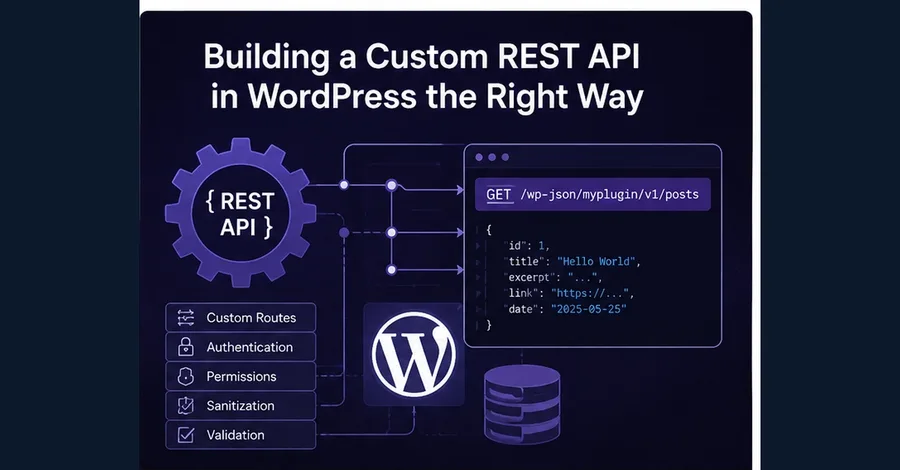
Building a Custom REST API in WordPress the Right Way
KAZI