

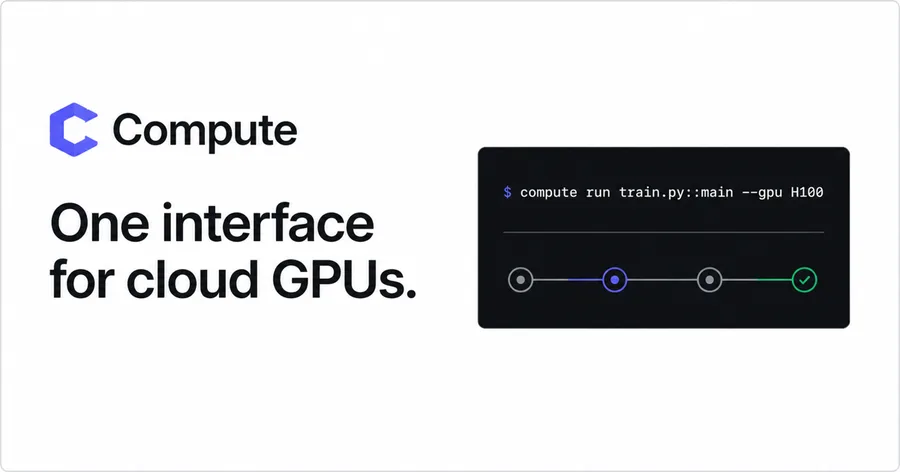

One interface for cloud GPUs. Point Compute at a Python function. It provisions a fresh machine for the job and streams output to your terminal. When the run ends, Compute confirms termination and puts provider usage and the platform fee on one receipt. A run, end to end $ compute run simple_mlp.py::train --gpu H100
- estimaterate locked · confirmation required
- provisionfresh H100-SXM requested
- ready80 GB HBM3 available
- stdoutstep 1/3 · loss 0.8421
- result{"status":"ok","artifact":"result.json"}
- terminatedmachine gone · receipt final Choose where the GPU runs. RunPod and Hot Aisle are available now. AWS, GCP, Azure, and Vast.ai spot instances are coming soon.
- RunPodSecure H100 capacityAvailable
- Hot AisleMI300X capacityAvailable
- AWSEC2 GPU instancesComing soon
- GCPCompute Engine GPUsComing soon
- AzureAzure GPU VMsComing soon
- Vast.aiSpot instancesComing soon Start a run in four steps.
- 01Sign upUse an enabled sign-in method.
- 02Buy creditsAdd at least $10 in prepaid credit.
- 03Install the CLIInstall directly from compute.cx. curl -fsSL https://compute.cx/install.sh | sh
- 04Run your computationPass a Python entry point and choose a GPU. compute run simple_mlp.py::train --gpu H100 Find the guide that fits. Each guide explains the workload and gives you the exact command.
- What
- Train an open model on examples from your task.
- When
- The base model works, but it misses your tone, output format, or domain.
- Run A 70B fits on one 192 GB card.compute run mi300x_lora_finetune.py::finetune --gpu MI300X
- What
- Use a reward signal to improve outputs when labeled examples are not enough.
- When
- You can score an answer more easily than you can write the ideal one. Typical jobs rank outputs or train reasoning agents.
- Run Use --wait, or detach and follow logs later.compute run rl.py::train --gpu MI300X
- What
- Run the same model across a large input set and collect the outputs.
- When
- Useful for evals, embeddings, synthetic data, and overnight...